Comets
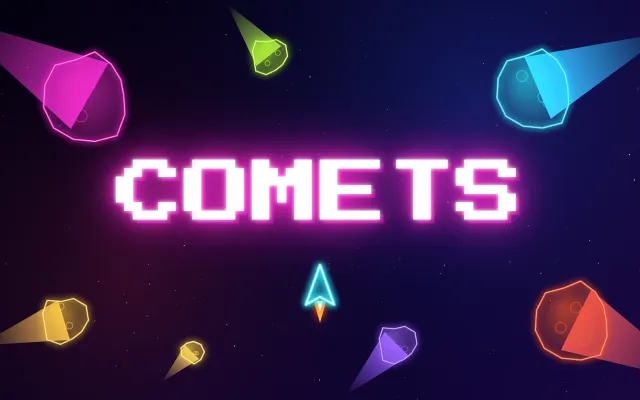
Blast glowing comets to pieces in pure neon.

About Comets
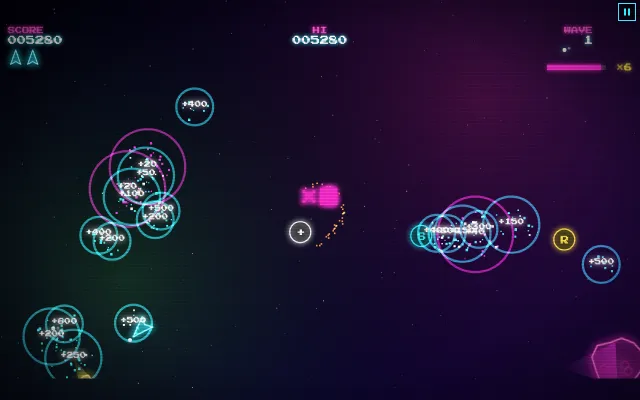
The arcade classic style, reborn in glowing neon. Pilot your ship through a field of drifting comets, drifting on momentum and wrapping around every edge of the screen. Each big comet splits into smaller, faster ones, so every shot makes things more dangerous, while a low heartbeat quickens as the field thins out. Hit comets quickly to build a multiplier up to ×8, shoot down saucers for big points and warp to safety when you are cornered. Arcade mode adds power-ups, gold, ice and lava comets and a Mother Comet every fifth wave, while Classic is just you and the rocks.
- Arcade mode with power-ups, special comets and boss waves
- Classic mode for the pure arcade challenge
- A field that fits your screen, from phone to monitor
- Multipliers up to ×8 and flying saucers to hunt
- Authentic arcade sounds and a top ten score table
How to play
- FlyTurn with the arrow keys and thrust with Up, or steer with your left thumb on a phone. Your ship keeps drifting, and every edge wraps around.
- ShootSpace, the mouse button or the fire button shoots. Big comets split into smaller, faster ones.
- Chain your hitsKeep hitting before the timer runs out to raise your multiplier, up to ×8.
- Warp outWhen you are cornered, warp to a random spot. It takes three seconds to recharge.
Tips from the usta
- Stay near the middle and let the comets come to you.
- Finish the small fast pieces before you split another big comet.
- Gold comets are worth five times the points and often drop power-ups.
- Lava comets burst into sparks that destroy other comets, so use them.
Game Details
- Category
- Arcade
- Players
- 1 player
- Platforms
- Desktop, tablet and phone
- Language
- English, Turkish, German, French, Italian, Spanish, Portuguese, Dutch, Indonesian, Japanese, Korean and Tagalog
- Developer
- Ibrahim
- Released
- 2026-10-31
Controls
| Action | Touch | Keyboard |
|---|---|---|
| Steer and thrust | Drag with your left thumb | ←, →, ↑ |
| Fire | Fire button | Space |
| Warp | Warp button | Shift |
| Pause | Pause button | P |